sábado, 27 de janeiro de 2024

5 Free Online Courses To Learn Artificial Intelligence

We are living in the era of fourth industrial revolution(4IR), where Artificial intelligence has a significant role to play. This 4IR technology embedded within societies and even into the human body. From Computer enthusiasts to common people, everyone should be aware and learn this breakthrough technology.
We think about gigantic Robots from Transformers when we hear about Artificial Intelligence(AI) which is a fiction in the past but a fact today, capable of transforming the whole tech world. The field of AI consists of more than Robots such as personal assistants, self-driving cars, apprenticeship learning, behavior cloning and so on. To learn about this advanced technology, thanks to the online learning resources which offers great content to get started with artificial intelligence.

Here are the 5 free e-learning courses on Artificial Intelligence

1. UC Berkeley CS188 Intro to AI
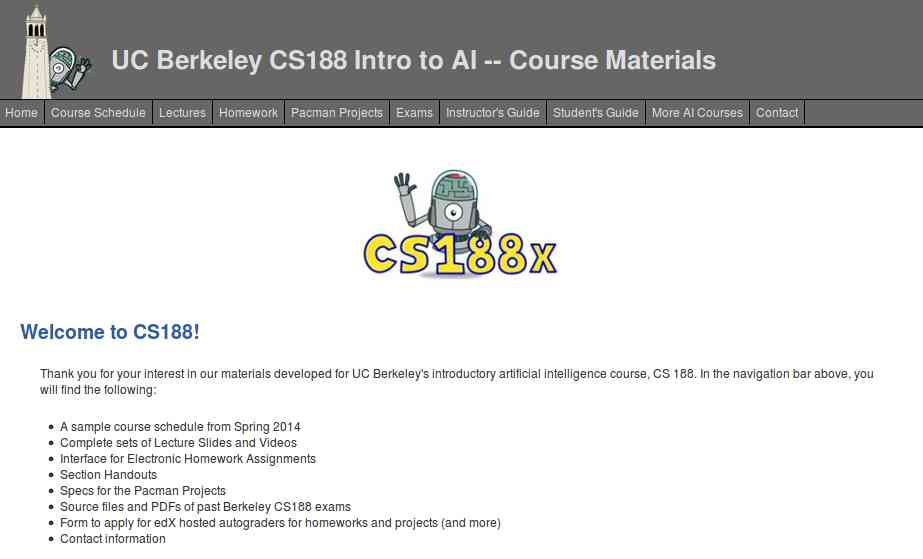
Get started with UC Berkeley AI course, this course is absolutely for beginners who are unaware of Artificial intelligence. It doesn't need any prior computer knowledge to know about AI. UC Berkeley allows anyone to learn this course for free. This course is systematically presented and consists of the following:
  • Course Schedule
  • Complete sets of Lecture Slides and Videos
  • Interface for Electronic Homework Assignments
  • Section Handouts
  • Specs for the Pacman Projects
  • Source files and PDFs of past Berkeley CS188 exams
  • Form to apply for edX hosted autograders for homework and projects (and more)
  • Contact information
Aside from this, you can also browse the following courses as well from UC Berkeley that are part of AI course:
  • Machine Learning: CS189, Stat154
  • Intro to Data Science: CS194-16
  • Probability: EE126, Stat134
  • Optimization: EE127
  • Cognitive Modeling: CogSci131
  • Machine Learning Theory: CS281A, CS281B
  • Vision: CS280
  • Robotics: CS287
  • Natural Language Processing: CS288

2. Artificial Intelligence: Principles and Techniques
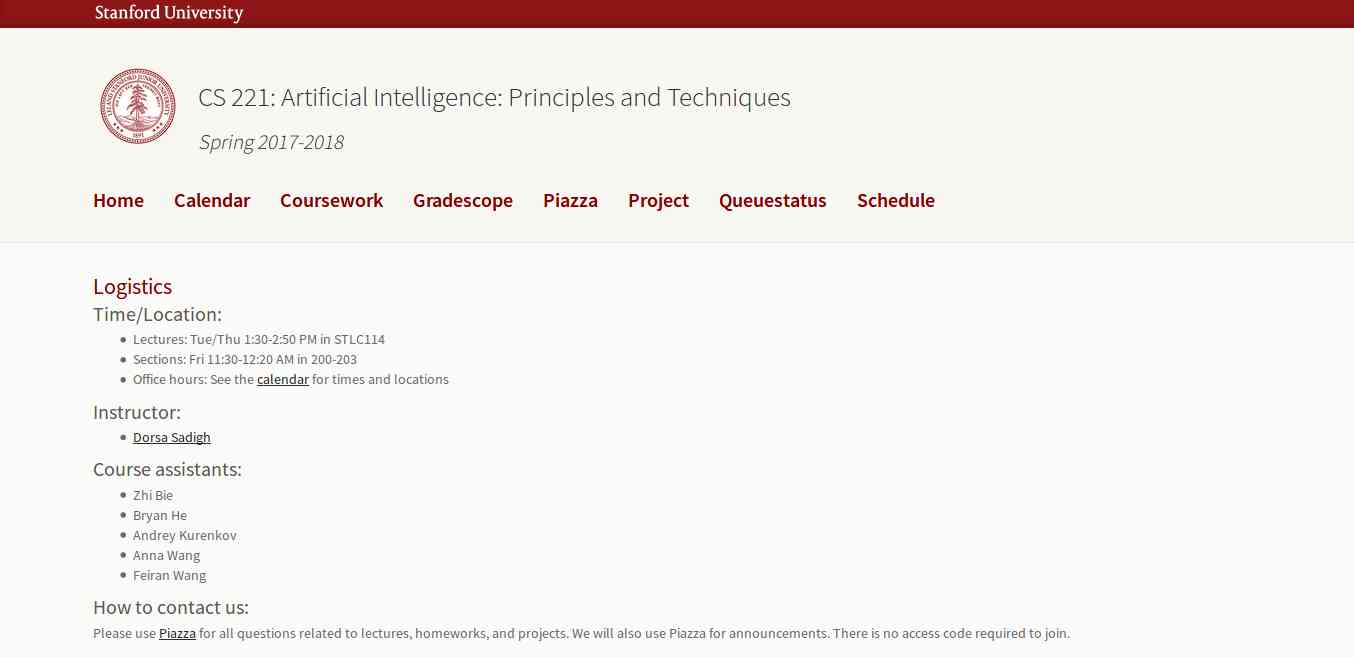
This course is offered by Stanford with great content that includes topics, videos, assignments, projects, and exams. The whole course mainly focuses on the complex real-world problems and try to find similarity between web search, speech recognition, face recognition, machine translation, autonomous driving, and automatic scheduling. Here you will learn the foundational principles of AI and implement some the AI systems. The goal of this course is to help you tackle the real-world situations with the help of AI tools. So, it is the best for the beginner to get started with AI.

3. Learn with GOOGLE AI

Who will dislike the course from Google? absolutely no one. This company is one of the early adopters of AI has a lot to offer to learners. Learn with Google AI is an education platform for people at all experience levels, it is free to access and browse content. The education resources provided by Google is from the machine learning experts of the company. These resources are the collections of lessons, tutorials, and Hands-on exercises that help you start learning, building, and problem-solving.

4. MIT 6.S094: Deep Learning for Self-Driving Cars

This course gives the practical overview of Deep Learning and AI. It is the course for beginners, also for the people who are getting started with Machine Learning. The course also offers a lot of benefits to the experienced and advanced researchers in the field deep learning. This MIT's course takes people into the journey of Deep Learning with the applied theme of building Self-Driving cars. However, the course also offers slides and videos to engage the learners.

5. Fundamentals of Deep Learning for Computer Vision

This course is offered by Nvidia and Nvidia Deep learning Institute. Computer Vision is one of the disciplines of AI that acquire, analyze, process, and understand images. The course is completely free and everyone who is enthusiast about AI can access and learn the course. It is a hands-on course that able to provide basics of deep learning and deployment of neural networks. With this. you will also learn the following:
  • Identify the ingredients required to start a Deep Learning project.
  • Train a deep neural network to correctly classify images it has never seen before.
  • Deploy deep neural networks into applications.
  • Identify techniques for improving the performance of deep learning applications.
  • Assess the types of problems that are candidates for deep learning.
  • Modify neural networks to change their behavior.
Related word
  1. Hack Tools Pc
  2. Kik Hack Tools
  3. Pentest Tools Open Source
  4. Nsa Hacker Tools
  5. Hacking Tools Name
  6. Hacks And Tools
  7. Hack Tools Github
  8. Best Hacking Tools 2020
  9. Pentest Tools For Ubuntu
  10. Underground Hacker Sites
  11. Beginner Hacker Tools
  12. Hack Tool Apk
  13. Android Hack Tools Github
  14. Hacking Tools Hardware
  15. Hacker Tools Hardware
  16. Hacking Tools For Kali Linux
  17. Hacker Tools For Pc
  18. Pentest Tools Bluekeep
  19. World No 1 Hacker Software
  20. Pentest Tools For Ubuntu
  21. Hacker Tools Hardware
  22. Github Hacking Tools
  23. Hacker Hardware Tools
  24. Hacking Tools Name
  25. Growth Hacker Tools
  26. Pentest Tools Port Scanner
  27. Pentest Tools List
  28. What Is Hacking Tools
  29. Pentest Tools For Mac
  30. Hacker Tools 2020
  31. Pentest Tools Subdomain
  32. Pentest Reporting Tools
  33. Hak5 Tools
  34. Pentest Tools Find Subdomains
  35. Nsa Hacker Tools
  36. Best Hacking Tools 2019
  37. Pentest Tools Nmap
  38. Hacker Tools Linux
  39. Hacker Tools Free Download
  40. Hacking Tools For Mac
  41. Hacker Tools Github
  42. Hacking Tools For Windows Free Download
  43. Hack Rom Tools
  44. New Hack Tools
  45. Hacking Tools Online
  46. Pentest Tools Alternative
  47. Pentest Tools Github
  48. Pentest Tools Kali Linux
  49. Hacking Tools Online
  50. Hack Tools
  51. Termux Hacking Tools 2019
  52. Hacker Tools For Ios
  53. Pentest Tools Bluekeep
  54. Hacking Tools Online
  55. Hackers Toolbox
  56. Hack Tools Download
  57. Install Pentest Tools Ubuntu
  58. Hack Tools Download
  59. Hacker Tools List
  60. Hacker Search Tools
  61. Bluetooth Hacking Tools Kali
  62. Hacking Tools For Beginners
  63. Hacking Tools Software
  64. Wifi Hacker Tools For Windows
  65. Hacker Tools Github
  66. How To Install Pentest Tools In Ubuntu
  67. Install Pentest Tools Ubuntu
  68. Hacker Tools Mac
  69. Tools 4 Hack
  70. Hak5 Tools
  71. Pentest Tools Online
  72. Pentest Tools Review
  73. What Is Hacking Tools
  74. Pentest Tools Download
  75. Hacker Tools For Mac
  76. Pentest Tools Tcp Port Scanner
  77. Hacking Tools For Pc
  78. Github Hacking Tools
  79. Pentest Tools
  80. Hacker
  81. Hacking Tools Usb
  82. Pentest Automation Tools
  83. Hacker Tools Free Download
  84. Pentest Tools Android
  85. Hack Website Online Tool
  86. Pentest Tools Apk
  87. Hacking Tools 2019
  88. Hacking Tools For Windows 7
  89. Pentest Tools Download
  90. Pentest Tools Subdomain
  91. Hacker Tools Windows
  92. Easy Hack Tools
  93. Hack Tool Apk
  94. Tools Used For Hacking
  95. Top Pentest Tools
  96. Hacking Tools 2019
  97. Hacker Techniques Tools And Incident Handling
  98. Pentest Tools Github
  99. Hacker Tools 2020
  100. Hacking Tools And Software
  101. Hacker Tools Windows
  102. Hack Tools Online
  103. Hacker Tools Online
  104. Tools For Hacker
  105. Hacker Tools For Ios
  106. Hacker Tools Linux
  107. Kik Hack Tools
  108. Pentest Tools For Ubuntu
  109. Pentest Tools Linux
  110. Hack Tools Pc
  111. Hack Tools Github
  112. Hacking Tools For Games
  113. Black Hat Hacker Tools
  114. Hacking Tools Windows 10
  115. Hack App
  116. Hack Tools For Mac
  117. Pentest Tools Github
  118. Pentest Tools Tcp Port Scanner
  119. Hacking Tools For Windows 7
  120. Hack Tools For Windows
  121. What Is Hacking Tools
  122. Hack Tool Apk
  123. Blackhat Hacker Tools
  124. Hacking Tools
  125. Hacker Techniques Tools And Incident Handling
  126. Pentest Tools For Windows
  127. Hacking Tools Usb
  128. Hacker Tools For Ios
  129. Kik Hack Tools
  130. Pentest Tools For Windows
  131. Hackrf Tools
  132. Pentest Tools For Mac
  133. Hacking Tools Usb
  134. Hacking Tools Windows
  135. Pentest Tools Linux
  136. Tools For Hacker
  137. Hacking Tools For Windows
  138. Pentest Tools
  139. Hacking Tools For Windows Free Download
  140. Hacker Tools List
  141. Hacker Tools Hardware
  142. Hacker Tools Linux
  143. Hacking Tools For Kali Linux
  144. Hacking Tools Free Download
  145. Hacker Tools For Windows
  146. Wifi Hacker Tools For Windows
  147. Pentest Tools For Android
  148. Hacking Tools Github
  149. Best Pentesting Tools 2018
  150. Hack App
  151. Pentest Tools Open Source
  152. Github Hacking Tools
  153. Kik Hack Tools
  154. Physical Pentest Tools
  155. Hacking Tools Windows 10
  156. Pentest Tools Website
  157. Hacking Apps
  158. Hack Tools For Windows
  159. Usb Pentest Tools
  160. Hacker Tools For Mac
  161. Pentest Tools For Ubuntu
  162. Usb Pentest Tools
  163. Underground Hacker Sites
  164. Hack Rom Tools
  165. Pentest Tools Free
  166. Hacking Tools For Pc
  167. Hacker Tools For Windows
  168. Pentest Tools

The Live HTML Editor


The Live HTML Editor program lets you write your HTML pages while viewing dynamically what changes are happening to your HTML page. The main purpose of this tool is to help HTML learners learn HTML quickly and easily while keeping an eye on what they are doing with their HTML page. It also helps developers in writing quick HTML lines to see how it will affect their HTML page.

This program can also help you visualize your inline and embedded CSS styles on fly. You can apply CSS styles and see them dynamically change the look and feel of your HTML page. Developers can test different inline and embedded CSS styles to make sure what will look good on their website.

Some of the features of this program are:
  •          Live HTML preview of whatever HTML you type.
  •          Supports HTML Syntax Highlighting.
  •          Supports opening an HTML file and Live Preview editing of that file.
  •          Supports Saving files.
  •          Support for inline and embedded CSS.

However this program does not support Javascript and it also doesn't support separate CSS files. This program is still in development phase and we might see support for Javascript and separate CSS files in the future.

If you are a student and want to learn HTML without having to install a bulky software that takes a lot of time to open and function, then this is a good option.

The Live HTML Editor is Free and Opensource project and has been written in Python with QT interface you can check out source from sourceforge.
Related links

Response for you're doing.

Hello pervert,

I want to inform you about a very bad situation for you. However, you can benefit from it, if you will act wisely.

Have you heard of Pegasus?
This is a spyware program that installs on computers and smartphones and allows hackers to monitor the activity of device owners.
It provides access to your webcam, messengers, emails, call records, etc. It works well on Android, iOS, and Windows.
I guess, you already figured out where I'm getting at.

It's been a few months since I installed it on all your devices because you were not quite choosy about what links to click on the internet.
During this period, I've learned about all aspects of your private life, but one is of special significance to me.
I've recorded many videos of you jerking off to highly controversial porn videos.
Given that the "questionable" genre is almost always the same, I can conclude that you have sick perversion.

I doubt you'd want your friends, family and co-workers to know about it. However, I can do it in a few clicks.
Every number in your contact book will suddenly receive these videos - on WhatsApp, on Telegram, on Skype, on email - everywhere.
It is going to be a tsunami that will sweep away everything in its path, and first of all, your former life.
Don't think of yourself as an innocent victim. No one knows where your perversion might lead in the future, so consider this a kind of deserved punishment to stop you.

Better late than never.
I'm some kind of God who sees everything.
However, don't panic. As we know, God is merciful and forgiving, and so do I.
But my mercy is not free.

Transfer $1220 USD to my bitcoin wallet: 1A28fiWUfQnqEMqoDmMf7KZcjSDY7mEjfs

Once I receive confirmation of the transaction, I will permanently delete all videos compromising you,
uninstall Pegasus from all of your devices, and disappear from your life. You can be sure - my benefit is only money.
Otherwise, I wouldn't be writing to you, but destroy your life without a word in a second.

I'll be notified when you open my email, and from that moment you have exactly 48 hours to send the money.
If cryptocurrencies are unchartered waters for you, don't worry, it's very simple.
Just google "crypto exchange" and then it will be no harder than buying some useless stuff on Amazon.

I strongly warn you against the following:
) Do not reply to this email. I sent it from a temp email so I am untraceable.
) Do not contact the police. I have access to all your devices, and as soon as I find out you ran to the cops, videos will be published.
) Don't try to reset or destroy your devices.

As I mentioned above: I'm monitoring all your activity, so you either agree to my terms or the videos are published.

Also, don't forget that cryptocurrencies are anonymous, so it's impossible to identify me using the provided address.
Good luck, my perverted friend. I hope this is the last time we hear from each other.

And some friendly advice: from now on, don't be so careless about your online security.

sexta-feira, 26 de janeiro de 2024

Nmap: Getting Started Guide


Nmap is a free utility tool for network discovery, port scanning and security auditing, even though we can use it for more than that but in this article we will learn how to do these three things with nmap.

The original author of nmap is Gordon Lyon (Fyodor). Nmap is licensed under GPL v2 and has available ports in many different languages. Nmap is available for Linux, Windows, and Mac OS X. You can download your copy of nmap from their website.

Lets get started with nmap.

When performing pentests we always look for networks we are going to attack. We need to identify live hosts on the network so that we can attack them. There are plenty of tools available for finding live hosts on a network but nmap is one of the best tools for doing this job.

Lets start with simple host (target) discovery scans i,e scans that will tell us which ip address is up on our target network. Those ip addresses which are up on our target network are the ones that are assigned to a device connected on our target network. Every device on the network is going to have a unique ip address.
To perform a simple host discovery scan we use the following command

nmap -v -sn 10.10.10.0/24


flags we used in the above command are
-v for verbose output
-sn to disable port scan (we don't want to scan for ports right now)

Following the flags is the ip address of the target network on which we want to look for live hosts. The /24 at the end of the ip address is the CIDR that specifies the subnet of the network on which we are looking for live hosts.

After running the above command you should get a list of live hosts on your target network.
If you just want to know the list of ip addresses your command is going to scan, you can use the -sL flag of the nmap like this.

nmap -sL 10.10.10.0/24

this command will simply output the list of ip addresses to scan.

We sometimes want to do dns resolution (resolving ip addresses to domain names) when performing our network scans and sometimes we don't want dns resolution. While performing a host discovery scan with nmap if we want to perform dns resolution we use -R flag in our command like this:

nmap -v -sn -R 10.10.10.0/24

And if we don't want to perform dns resolution of hosts during our scan we add the -n flag to our command like this:

nmap -v -sn -n 10.10.10.0/24

After we have discovered the hosts that are up on our target network, we usually put the ip addresses of these hosts into a file for further enumeration.

Next step in our enumeration would be to detect which operating system and which ports are running on these live hosts, for that we run this command:

nmap -O -v 10.10.10.119


here we use -O (capital o not zero) for operating system detection and by default nmap performs SYN Scan for port discovery. However nmap scans for 1000 ports only by default of a particular host.

To make nmap go over a list of ip addresses in a file we use -iL flag like this:

nmap -O -v -iL targetlist

where targetlist is the name of the file which contains ip addresses that we want to perform port scan on.

To make nmap scan all the ports of a target we use the -p flag like this:

nmap -p- -v 10.10.10.121

We can also specify a range of ports using the -p flag like this:

nmap -p1-500 -v 10.10.10.121

here 1-500 means scan all the ports from 1 to 500.

We can use a number of scan techniques to discover open ports on our network but I will only discuss some of them for brevity.

We can perform a TCP SYN scan using nmap with -sS flag like this:

nmap -sS -v 10.10.10.150

We have also flags for TCP connect and ACK scans which are -sT -sA

nmap -sT -v 10.10.10.150

nmap -sA -v 10.10.10.150

We can also perform UDP scan as well instead of TCP scan using -sU flag

nmap -sU -v 10.10.10.150

We can perform TCP Null, FIN, and Xmas scans using the flags -sN, -sF, -sX

nmap -sN -v 10.10.10.150

nmap -sF -v 10.10.10.150

nmap -sX -v 10.10.10.150

If you don't know what these scans are then please visit Port Scanning Techniques and Algorithms for explanation.

After discovering the open ports on our target host, we want to enumerate what services are running on those open ports. To enumerate services and versions information on open ports we use the -sV flag like this:

nmap -sV -v 10.10.10.118

This should give us information about what services are running on what ports and what versions of those services are running on the target host.

nmap has an interesting feature called NSE nmap scripting engine. It allows users to write their own scripts, using the Lua programming language, to automate a wide variety of networking tasks. nmap ships with a diverse set of scripts which are very helpful to enumerate a target. To use the nmap default set of scripts while enumerating the target, we use the -sC flag like this:

nmap -sC -sV -v 10.10.10.118

We can also save the results of our nmap scans to a file using the -o flag like this

nmap -sC -sV -v -oA defaultscan 10.10.10.119

here -oA tells the nmap to output results in the three major formats at once and defaultscan is the name of the file that will be prepended to all the three output files.

This is the end of this short tutorial see you next time.

References:
https://nmap.org/book/scan-methods-null-fin-xmas-scan.html

Related links